🧪 Virtualization Lab

Multi-OS Virtualization Lab (Oracle VirtualBox)

Built a multi-VM lab on Windows 11 Pro for IT administration practice, system testing, and cybersecurity experimentation inside isolated environments.

Overview

Host System

  • Windows 11 Pro
  • Oracle VirtualBox
  • Hardware virtualization enabled (VT-x / Nested Paging)

Purpose

  • System administration practice
  • Virtual networking experiments
  • Security labs and simulations
  • Safe testing without impacting host OS

Networking Model

Uses NAT/Bridged/Internal Network modes depending on the VM. This supports both internet access and isolated lab communication.

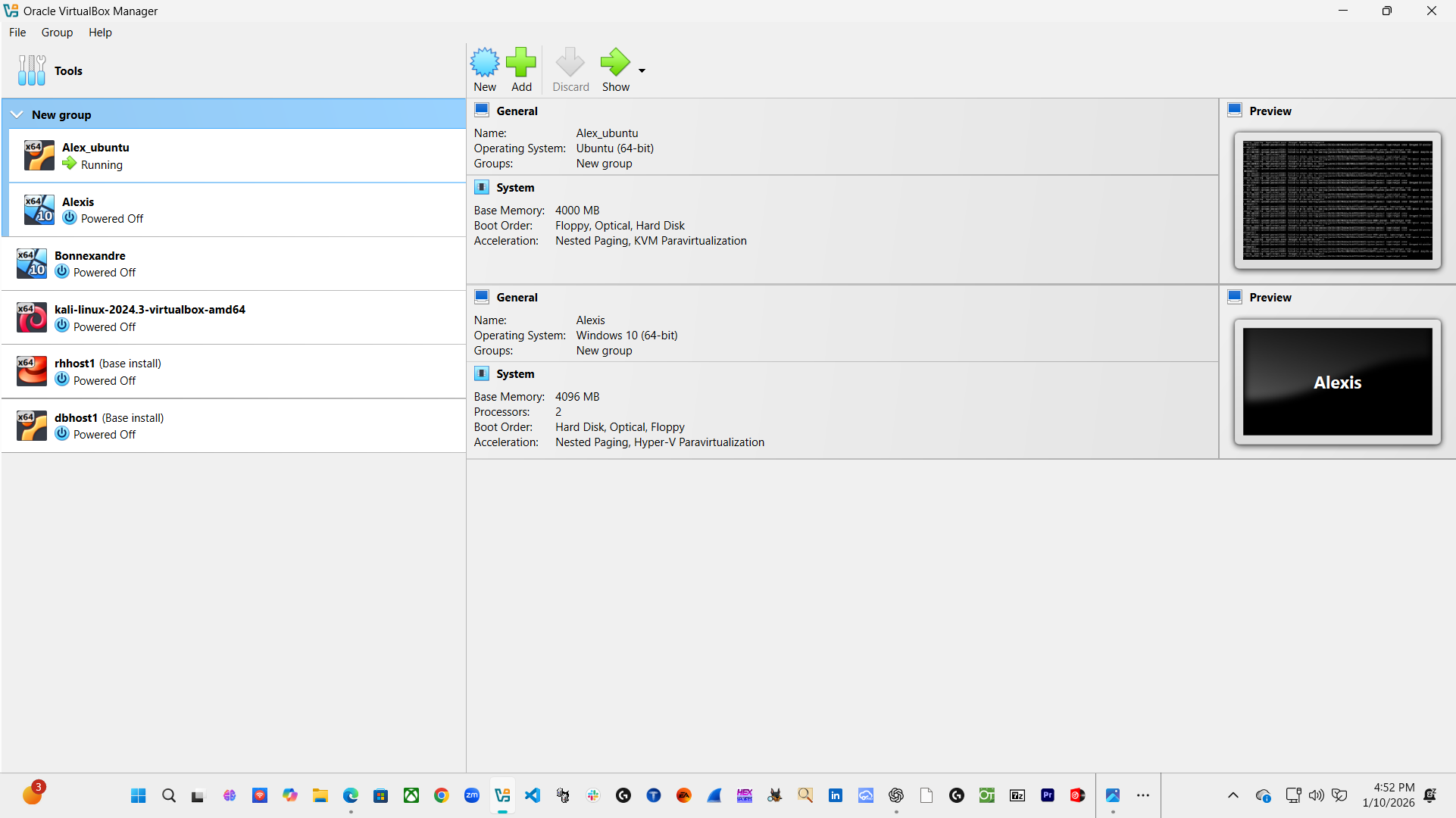
VM Inventory

A clean list of your lab machines and what each one is used for.

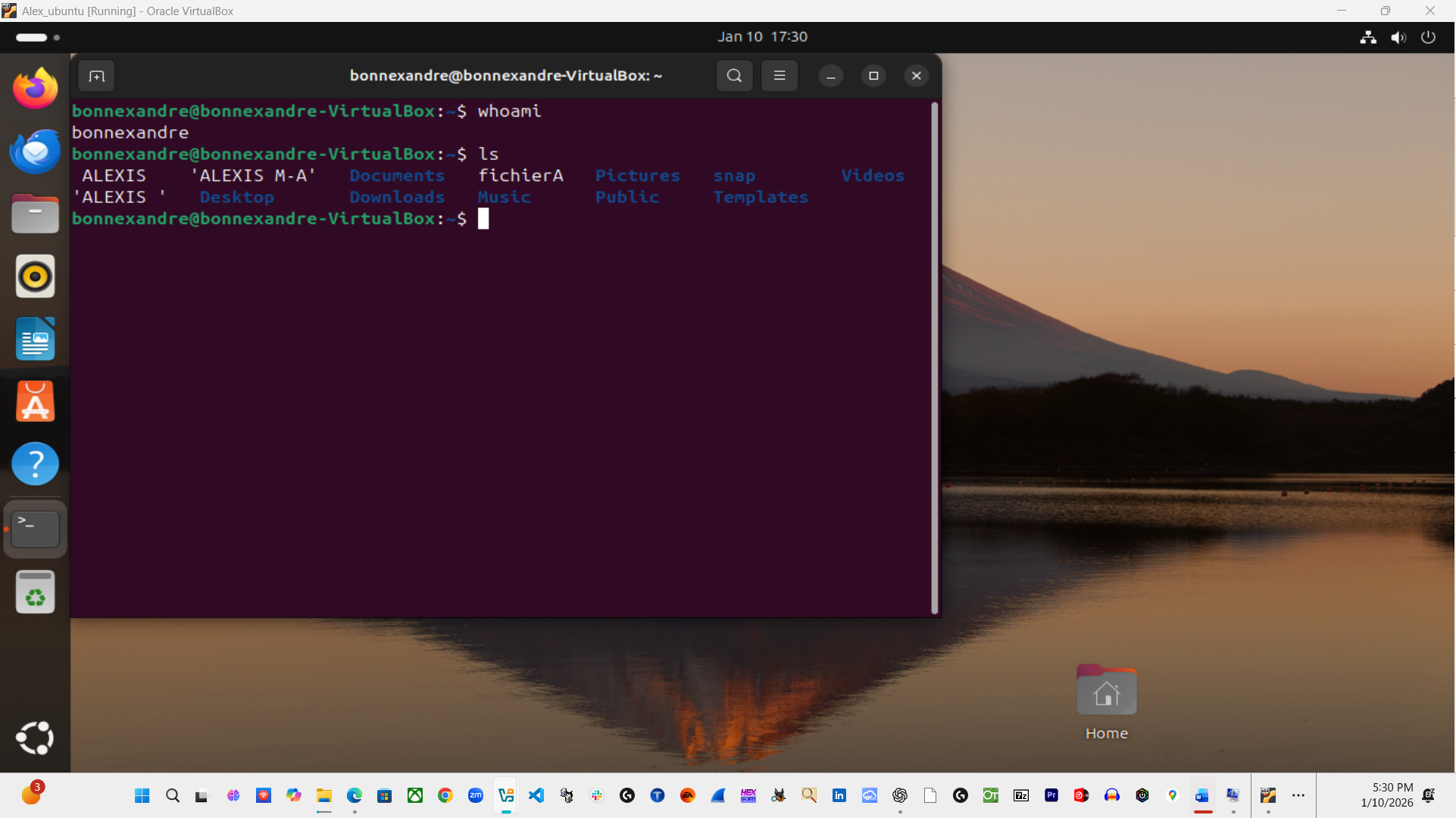
Ubuntu (Admin VM)

Name: Alex_ubuntu

Linux administration, CLI practice, services.

  • RAM: ~4 GB
  • Network: Bridged

Ubuntu (Server VM)

Name: dbhost1

Server/backend host simulation.

  • RAM: 2 GB
  • Network: NAT + Internal

Red Hat (Enterprise Linux)

Name: rhhost1

Enterprise Linux fundamentals and server concepts.

  • RAM: 4 GB
  • CPU: 2 vCPUs
  • Network: NAT + Internal

Kali Linux

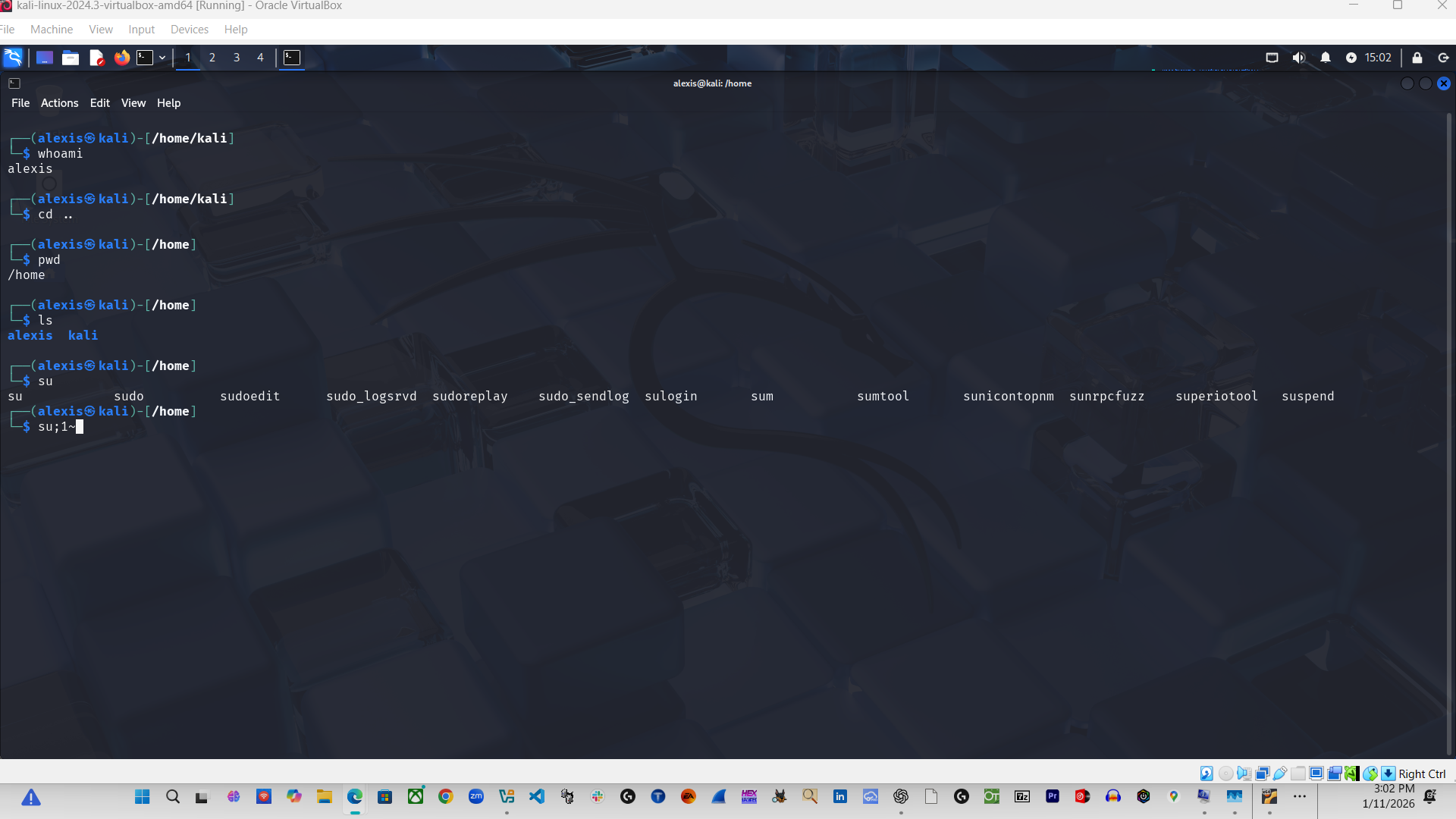
Name: kali-linux-2024.3

Cybersecurity tools and safe lab testing.

  • RAM: 2 GB
  • Network: Bridged

Windows 10 Client VM

Name: Bonnexandre

Windows client testing / workstation simulation.

Windows 10 Client VM

Name: Alexis

User workstation simulation.

Screenshots

Proof of the environment and the running systems.
Use Cases

IT Practice

  • Linux user + permissions practice
  • Service management + logs
  • Networking troubleshooting

Security Practice

  • Safe testing in isolated environments
  • Security tool familiarity (Kali)
  • Blue-team and hardening exercises

Admin / Lab Expansion

  • Add Active Directory lab later (Windows Server)
  • Segment networks for better isolation
  • Snapshots before changes